
Adobe recently introduced new AI features in Acrobat Studio that can turn documents into presentation drafts and even generate podcast-style summaries from source files. According to Adobe, users can bring files into PDF Spaces, ask AI Assistant to generate an outline, choose the presentation length and tone, and then create a draft presentation using Adobe Express tools.
As a presentation designer, I think this is one of the more practical AI updates I’ve seen recently.
Not because it replaces designers.
It doesn’t.
But because it removes one of the most frustrating parts of the workflow: starting from nothing.
What Adobe Is Actually Useful For
If you already have a report, notes, a transcript, product sheets, or research, Acrobat can help turn that material into a presentation draft faster than building everything manually.
That makes it especially useful for internal updates, rough first drafts, report-to-deck workflows, early content structuring, and busy teams who already have the material but not the time.
That part matters.
A lot of presentation work is not “design” in the creative sense. It’s organizing messy information, deciding what matters, and getting to a usable structure. If AI can reduce that setup time, that’s a real workflow improvement.
Where AI Still Falls Short
A first draft is not the same as a strong presentation.
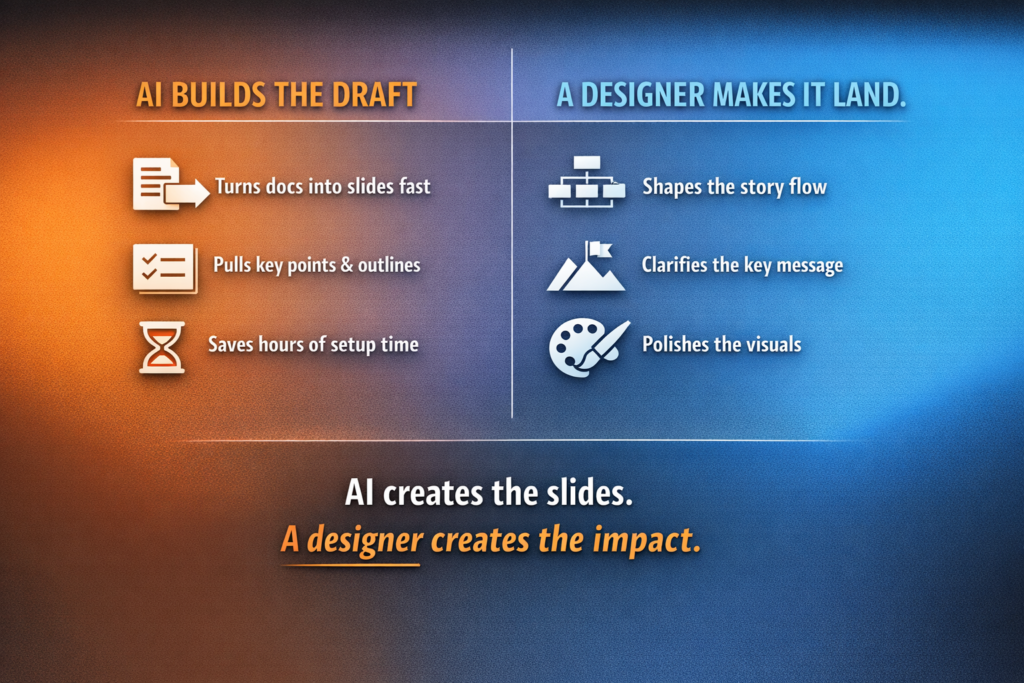
Even if AI gives you slides, someone still has to decide what the audience actually cares about, what should be removed, what deserves emphasis, how the message should build from slide to slide, what visual style supports the story, and what needs to feel simple, premium, or persuasive.
That’s where design still matters most.
AI can extract content.
It can suggest structure.
It can even make something look presentable.
But it still tends to flatten priorities. It often includes too much, says things too evenly, and misses the kind of pacing and hierarchy that make a deck feel intentional.
That’s the gap between “generated slides” and “good presentation design.”
A Better Way to Use It
The most effective way to use a tool like this is to treat it as the start of the process, not the finished product.
- Start with a clean source document
Use clear headings, summaries, and sections. Adobe’s AI will perform better if the material already has structure. - Let AI build the first draft
Use Acrobat to generate the outline and draft presentation. This gives you something to react to instead of starting with a blank slide. - Edit the story before the styling
Before polishing the slides, tighten the flow. Cut repetition. Clarify the takeaway. Reorder weak sections. - Refine hierarchy and design
Decide what should stand out, what can be simplified, and where visuals should do the heavy lifting. - Tailor it to the audience
An investor update, sales presentation, keynote, and training deck should not feel the same, even if the source material overlaps.
Why This Matters
For designers, this is not bad news. It just shifts where our value becomes even clearer.
Less time spent turning documents into rough slides.
More time spent shaping narrative, clarity, and impact.
That is a better use of design.
Final Thought
Adobe’s new Acrobat workflow is a good example of where AI can genuinely help in presentation work.
Not by replacing designers.
Not by magically finishing the deck.
But by giving you a faster starting point.
And that’s the real opportunity.
AI can build the draft. A designer turns it into something people remember.